
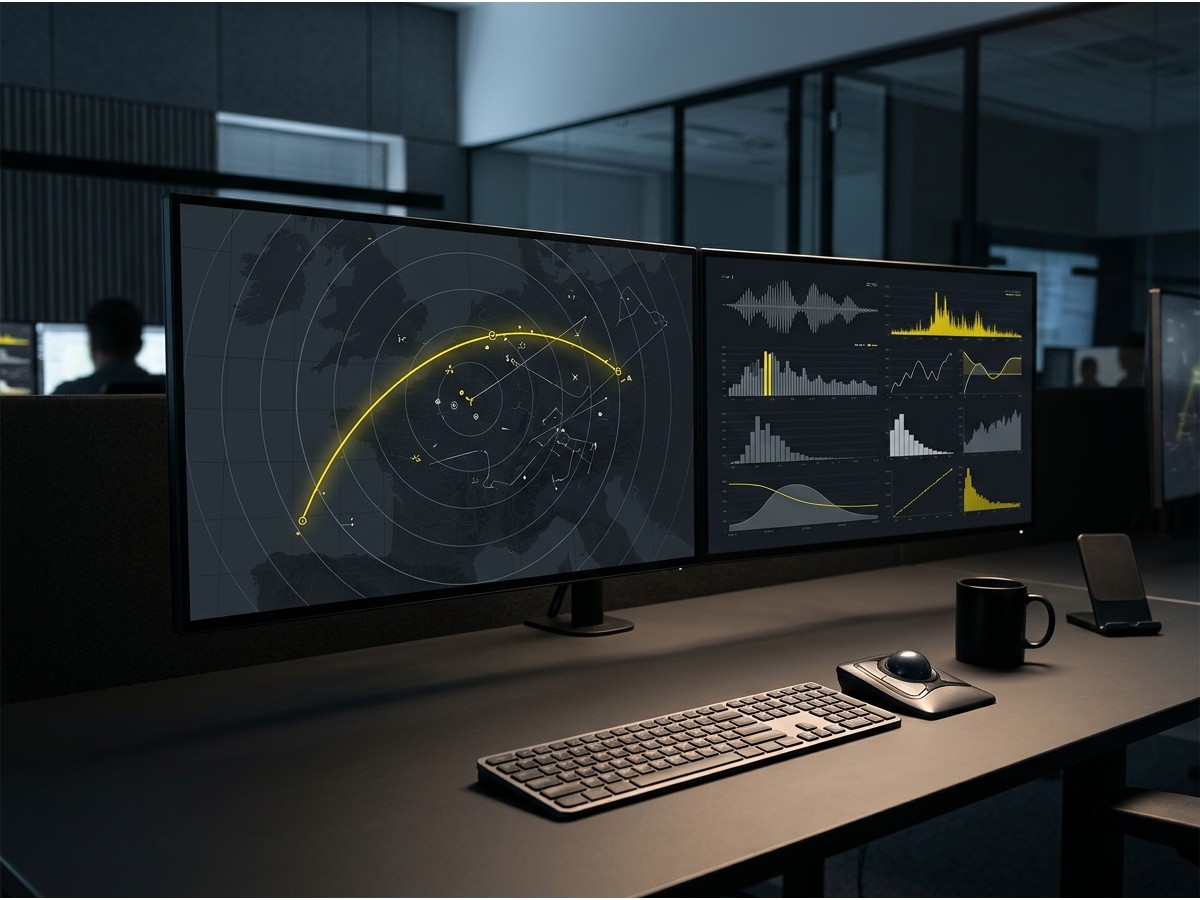
A flashing alert on a guard-room screen is not an incident record. When an unauthorized drone halts airport departures, flies over a substation, or breaches a correctional perimeter, aviation regulators, police investigators, and insurers ask for structured, timestamped, tamper-evident documentation — not a verbal summary. Turning raw sensor alerts into an actionable incident record requires disciplined workflows and the right C2 software.
1. What Makes a Drone Incident Record Useful to Authorities
Whether you report to a civil aviation authority (CAA/EASA/FAA), local police, or an internal risk committee, a defensible incident file should capture six core elements: synchronized UTC timestamps (start, closest point of approach, and exit), sensor provenance (which RF, Remote ID, or optical node observed the target), drone classification & Remote ID serial (if broadcast), track trajectory and pilot/take-off coordinates (when available), visual verification clips, and operator response actions.
Platforms built specifically for forensic reporting automate most of this capture so security staff do not scramble for screenshots mid-incident. Browse C2 Software such as DedroneTracker.AI (automated forensics and risk scoring), DroneSentry-C2 (logs, statistics, and structured exports), and Avikon Counter-UAS C2 (raw-data and full screen recording/replay).
2. Time Synchronization, Raw Data & Forensic Replay
When fusing data from multiple sensors — for example, an RF bearing line, a Remote ID packet, and an EO/IR video stream — clock drift of even a few seconds makes event reconstruction unreliable. Ensure every sensor and C2 host synchronizes to NTP or GPS/GNSS time, and check whether your C2 platform retains raw IQ/packet logs alongside summary tracks.
For sites requiring deep post-incident playback, look for lookback buffering and timeline replay. Representative solutions include Aaronia RTSA-Suite PRO (real-time spectrum capture and replay), CRFS RFeye Mission Manager (mission capture, geolocation, and reporting), and MarineGuard C2 (automatic camera cueing with lookback and full event recording).
3. Whitelisting & Separating Authorized Flights
Most civil sites experience far more authorized drone flights (roof inspections, mapping, media, emergency services) than hostile intrusions. Without an allow-list workflow, guards suffer alert fatigue and incident logs fill up with routine vendor operations. Remote ID receivers paired with C2 allow-lists automatically tag known serial numbers as green while escalating unknown or non-cooperative aircraft.
Explore lightweight logging and whitelisting tools in Incident Recording Software and C2 — including BlueMark DroneScout Dashboard (local visualization, compressed flight history, and CSV/JSON export with no cloud requirement) and Dronetag Platform (whitelisting, alerting, historical detections, and API).
4. Adding Visual Confirmation to Avoid Ambiguity
RF and Remote ID logs prove that a signal was present, but visual confirmation closes the evidentiary loop — showing whether a drone hovered over a restricted yard, dropped contraband, or simply transited nearby airspace. Integrating automatic slew-to-cue between your RF Drone Detectors and EO/IR & Thermal Cameras such as Teledyne FLIR Ranger HDC, OpenWorks Vision Flex, or panoramic thermal tracking managed by HGH CYCLOPE ensures video clips are bound automatically to the same incident ID.
5. Cloud vs On-Premises & Air-Gapped Retention
| Deployment Model | Best For | Data Governance | Representative Platforms |
|---|---|---|---|
| Cloud SaaS C2 | Multi-site enterprises, rapid rollout | Vendor-hosted backups, browser access | DedroneTracker.AI, Dronetag Platform |
| On-Premises / Local | Airports, utilities, strict GDPR/IT policy | All logs stay inside local LAN | BlueMark DroneScout Dashboard, Aaronia RTSA-Suite PRO, Avikon Counter-UAS C2 |
| Air-Gapped Tactical | Mobile teams, offline field ops | Zero external connectivity required | DroneSentry-C2 Tactical, CRFS RFeye Mission Manager |
6. Incident Escalation & Retention Checklist
- Standardize export formats: Verify PDF executive summaries for management alongside CSV/JSON/KML tracks for aviation authorities.
- Define retention & GDPR rules: Set clear deletion schedules for routine video and personal operator data in line with local privacy law.
- Log operator actions: Record who acknowledged the alert, which authorities were notified, and whether operations paused.
- Keep it detection-only: Civil incident documentation focuses on lawful observation, evidence preservation, and coordinated escalation — never unauthorized radio jamming.
7. Standard Structure of a Defensible Drone Incident Report
To hand evidence smoothly to aviation regulators, law enforcement, or insurers without follow-up gaps, configure your C2 export template around five structured sections:
- Executive summary: Unique incident ID, UTC start/end timestamps, site identifier, severity rating, and plain-language summary (perimeter breach, loitering over sensitive assets, or repeat intrusion).
- Sensor & telemetry profile: Classified drone model/family, broadcast Remote ID serial (if present), frequency band, closest point of approach, altitude profile, and exportable KML/GeoJSON track.
- Operator & take-off data: Logged controller or take-off coordinates clearly annotated with the measurement method (Remote ID broadcast, AoA bearing, or multi-node TDoA) and expected accuracy.
- Corroborating media & integrity: Timestamped EO/IR verification clips, spectrum waterfall snapshots, and raw event logs stored with checksums to demonstrate chain-of-custody integrity.
- Response timeline: Operator acknowledgment time, allow-list check result, operational mitigations taken (e.g., temporary pause of sensitive outdoor work), and authority notification reference numbers.
8. Integrating Drone Logs with SOC, SIEM & VMS Workflows
At mature facilities, drone alerts should never remain trapped on an isolated guard-room screen. Leading C2 platforms stream structured events via REST APIs, webhooks, Syslog/SIEM, TAK, or ONVIF into existing Security Operations Centers (SOC) and Video Management Systems (VMS). Automating ticket creation and binding camera bookmarks to the same incident ID dramatically reduces response time and eliminates manual copy-paste errors.
9. Frequently Asked Questions on Incident Records
Is an RF sensor log alone sufficient for police or aviation authorities?
A UTC-synchronized RF log with bearing data is valuable technical evidence, while combining it with Remote ID metadata and timestamped EO/IR video provides the strongest, ambiguity-free record for investigators.
How long should routine detection logs and video be retained?
Many European and UK sites retain routine non-incident logs for 30–90 days under GDPR data-minimization rules, while exporting confirmed security incidents into restricted long-term archives.
Can we maintain full incident records without cloud storage?
Yes — on-premises and air-gapped C2 or local dashboard software keeps every flight track, raw log, and verification clip strictly inside your local network.
How do we stop authorized contractor drones from cluttering incident logs?
Require contractors to register their Remote ID serial numbers ahead of scheduled flights and enter time-bounded allow-list entries in your C2 platform so authorized flights log cleanly without triggering alarms.
Sources
- FAA · Remote Identification of Drones
- FAA · Automatic Dependent Surveillance-Broadcast (ADS-B)
- ISO · ISO/IEC 27037:2012, Guidelines for handling digital evidence
Last reviewed: · Reviewed by: Arthor Holland Michel, Drone Detectors Editorial Team